
Bolyn Weekly is published every week, sharing personal experiences, observations, and things of interest—though most of the time it might just be idle chatter.
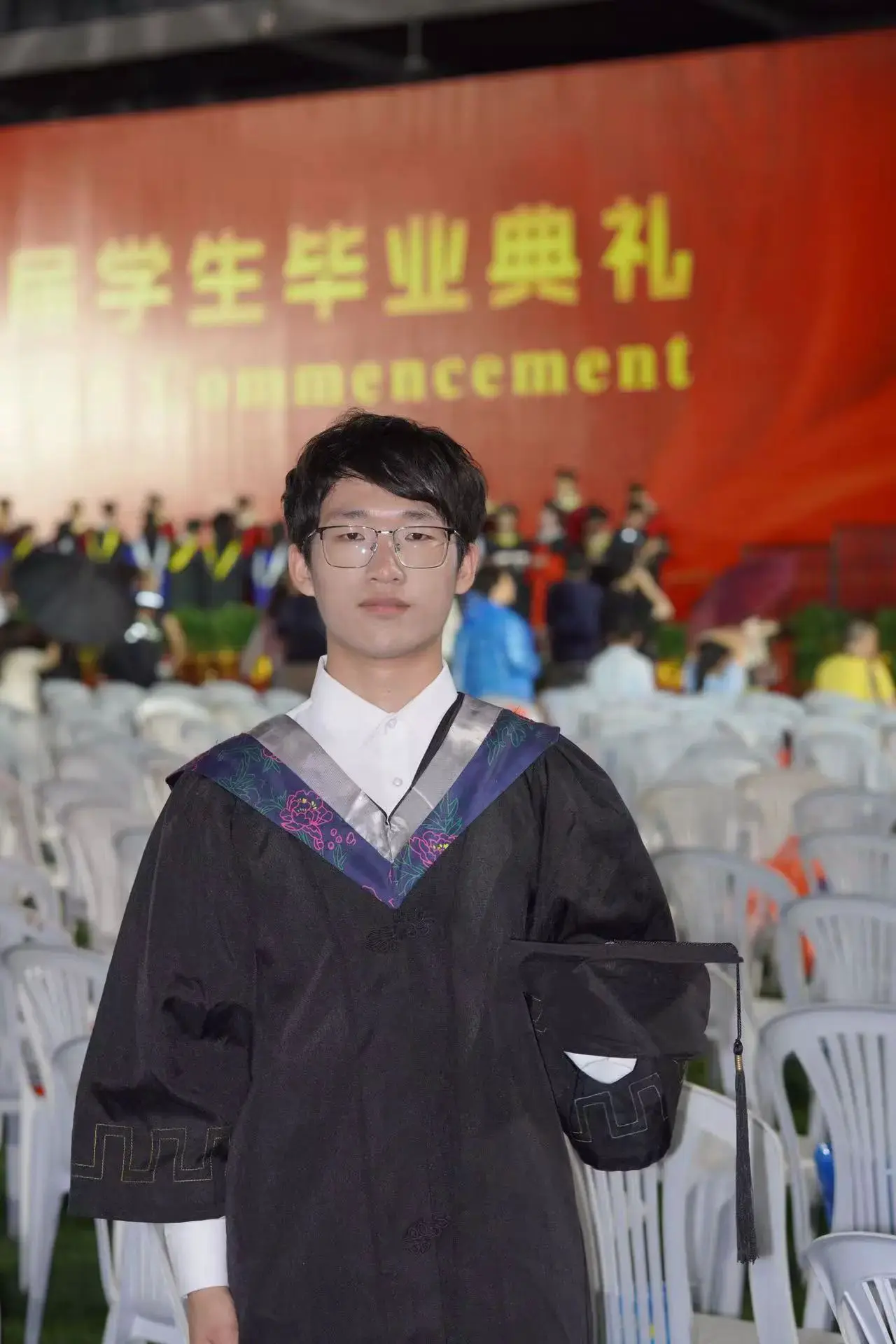
Title image: Graduation Ceremony
2021-08-30~2025-06-14
Some People Will Always Remain Young
The people we see today might very well be the last we ever see of them. We have already bid farewell to many, and in your memory, they remain forever young.

Using AI to Optimize a Blog Theme
NotionNext is a blog project that leverages the Notion API and Next.js. It uses Notion as its database, allowing you to design your blog with Next.js to quickly and efficiently build a personal website without needing a server.
It offers many themes, but their designs aren’t very appealing and come off as rather basic. With previous experience using AI to develop an iOS app, I decided to design my own blog theme.
After tinkering from scratch for a while, I realized that my design still looked unattractive and that building it without any foundational skills was not easy. So, I changed my approach: I picked an existing theme and modified it. This time, Cursor did a fantastic job, and the UI became much more attractive.
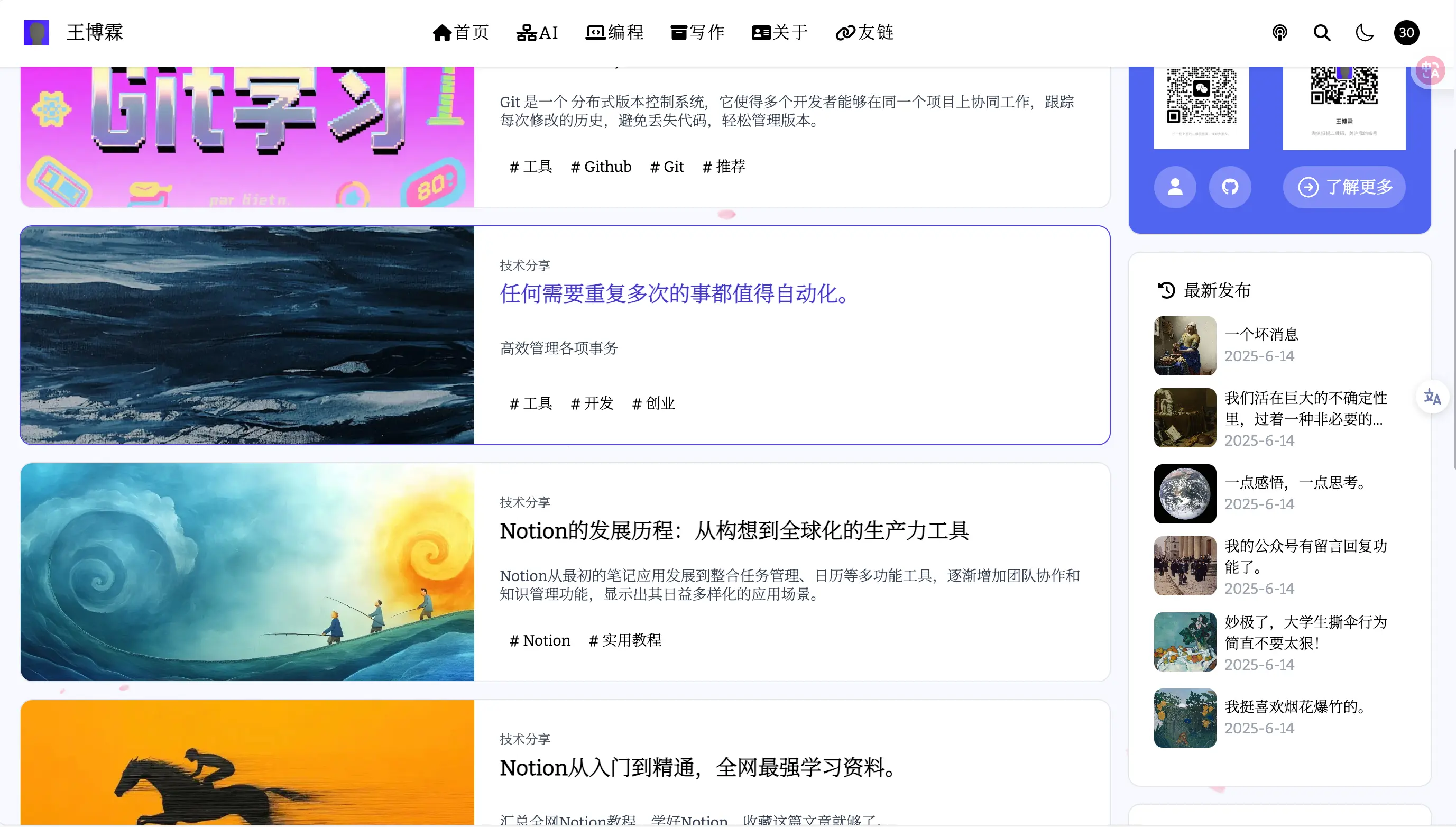
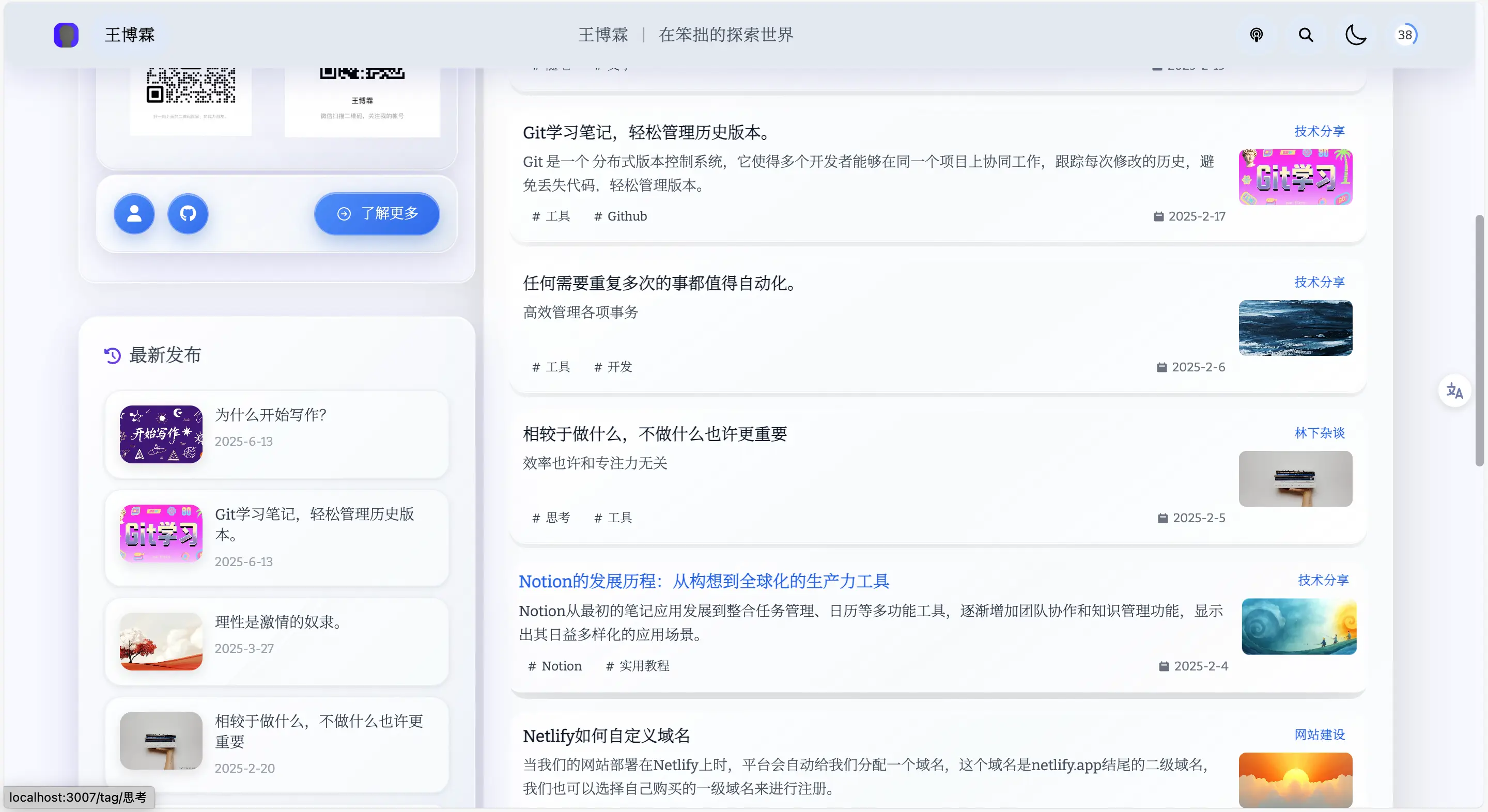
The image above shows the project’s original theme UI, and the one below is my modified version. With the same content, the latter looks significantly more refined and elegant, essentially meeting my UI expectations.
Although I had used this project before, I wasn’t fully committed to using it as my blog system because of its uninspiring UI. However, now that AI is involved, it seems inevitable that my blog projects will rely solely on it.
NotionNext has an advantage over other blog projects—it uses Notion as its database, and Notion is a powerful note-taking tool that excels at helping you keep notes.
A blog has two crucial components: the content backend and the front-end display. Nearly all other blog projects are based on Markdown and many require a server, which can be a barrier for those without programming knowledge.
Now that NotionNext uses Notion and the front end can be modified with AI, the possibilities are greatly enhanced. If you’re looking to build your own blog platform, I highly recommend giving NotionNext a try.
On a side note: I spent two days transforming that basic theme into something exquisite, but for reasons unknown, the revised project code completely vanished.
I finished the code at three in the morning and went to bed. When I woke up around eleven or noon and turned on my computer, the project was gone with no trace whatsoever—it was as if two days of work had been entirely lost. I searched thoroughly but found no sign of it.
Sad. Although I didn’t originally write the code, I painstakingly designed and modified the entire UI piece by piece. Now, the few thousand lines of code are gone, and I have to start over, which is heartbreaking.
However, it’s not a major setback. Thanks to this experiment, I now have a basic understanding of how the Notion database and the UI-controlling code work within the project. Recreating it should just be a matter of time.
Moreover, there’s no need to revert exactly to the old theme—I can design a new theme or adapt themes from other blog projects to work with NotionNext. With AI, I can achieve highly customized UI designs.
I’ve set a goal: before the new semester begins in September, I will design a theme and submit it to the main branch of NotionNext to make a contribution.
A Small Tip for Using AI
Be clear about your requirements. While modifying the theme, I noticed that AI still needs explicit instructions to work effectively. If you simply tell it to "get some salt," it won’t know what to do, but if you specify "buy a 50g package of salt," it will complete the task brilliantly.
When modifying the UI theme, you must have a clear vision. If you don’t, spend some time looking at ready-made designs online—every theme has something to offer. Identify the elements you like and tell the AI to incorporate them.
Avoid vague language and use precise instructions when working with AI. Remember, AI is still just a machine that can help you, but it needs clear direction to produce satisfying results.
A Posed Snap